One Setup file. Trial and full product are the same app. How to pass the Windows warning.
Your existing PDF forms. Filled in a minute, not ten.
Mark the blanks once. Fill them again whenever you need. Export a PDF. Everything stays on your PC — no subscription, no cloud for your files.
One-off fill, no template
Quick Fill is in this release: click the PDF → type → Enter, then drag, resize, or edit before you save.
Free on the six official sample forms. Your own PDFs need a key — Quick Fill is not sold as a separate pack. Repeat work can also use templates.
Fill the six bundled sample forms. No key required.
16-character ID in the license bar. Use Copy.
After you pay, send the ID. You get a key back.
Activate in the app. Use your own PDFs. No reinstall.
Walkthrough
youtube.com/watch?v=FormDD-howto preview
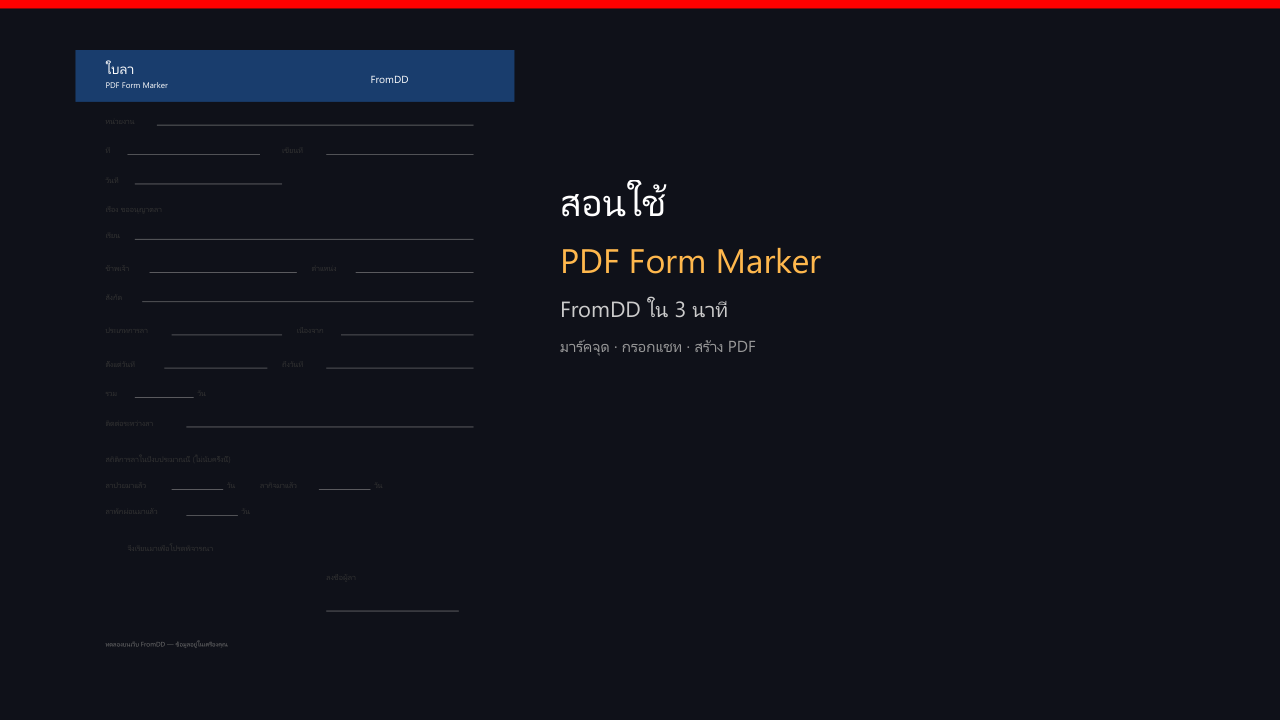
Open the app and pick a form
Your school or office PDF. Trial uses bundled samples first.
Click each blank. Pins remember where the text belongs.
Type or use chat. Create the PDF. Data stays on this computer.